 Swagga
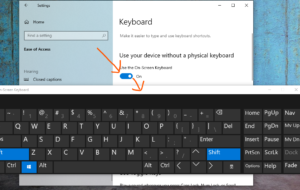
Are you trying to enable On Screen Keyboard in your Windows 10 computer? Watch the short video or Follow these simple steps:
Enable On Screen Keyboard:
1- Click Start Menu.

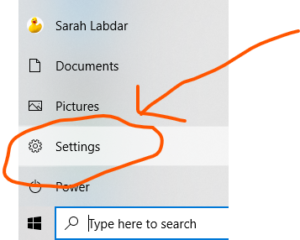
2- Click settings.
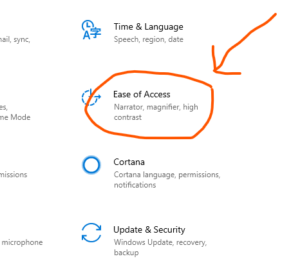
3- Select Ease of Access.
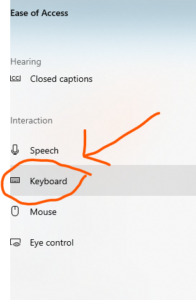
4- Click “Keyboard” tab.
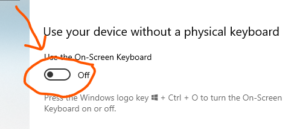
5- Turn on “Use the On Screen Keyboard”.
Find Out More Here:
https://support.microsoft.com/en-us/hub/4338813/windows-help?os=windows-10

2 Pings & Trackbacks
Pingback:How to Take a Screenshot on any Device and Operating System?
Pingback:How to Add a Language in Windows 10?