 Swagga
To add a language in Windows 10, Use the Add a language feature to download and install another language.
You will be able to view menus, supported apps and websites in the new language you installed.
To add a language in Windows 10:
Watch the short video or follow these simple steps (You can also visit Microsoft Support Here):
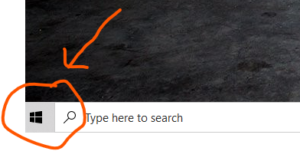
1- Click the Start Button.
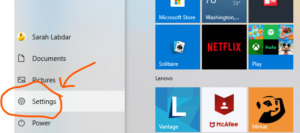
2- Click Settings.
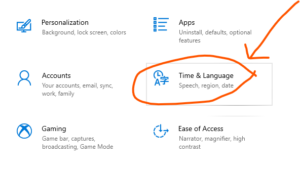
3- Click Time & Language.
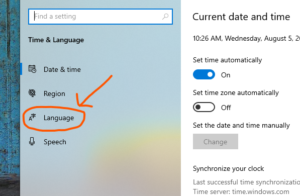
4- Click Language.
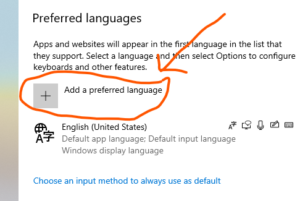
5- Click Add a Preferred language.
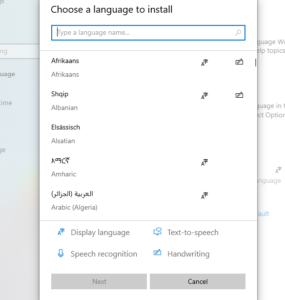
6- Select the Language Features you want to install.
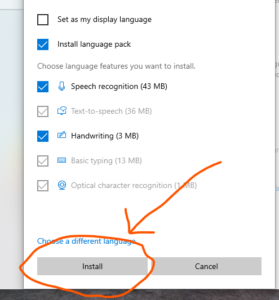
7- Click Install.


One Ping
Pingback:How To Turn Off Sleep Mode Windows 10